Make Money With AI Videos? Free Tools and Real Limits
A practical look at making money with AI videos using free phone tools, realistic workflows, and the real limits of monetization.
AI video tools can turn a prompt or still image into moving footage without a camera, studio or desktop editing rig. A smartphone can handle much of the process: planning a short, generating scenes, recording or creating a voice track, editing clips and publishing the result.
That does not mean a phone can produce dependable income on demand. Free plans have limits, commercial-use rights differ, and platforms do not pay simply because a video was made with AI. The practical opportunity is narrower: use AI to reduce production time, then earn by making something people want to watch or a business is willing to buy.
What can you make with a phone?
A phone-first creator can produce several useful formats:
- Short explainers: a concise script, generated illustrative scenes, captions and narration.
- Product and food promos: short clips for a cafe, salon, gym, shop or local service, ideally using the client's own product footage and approved brand material.
- Story-led entertainment: original characters, fictional scenes and a consistent narrative rather than unrelated AI clips stitched together.
- Educational videos: explain a concept with original commentary, diagrams and supporting visuals.
- Social-media packages: several edited versions of one approved campaign for Reels, Shorts and other vertical-video feeds.
The strongest formats solve a defined problem. A local business may need a 20-second offer video. A viewer may want a clear explanation of a difficult topic. A generic montage of unrelated AI scenes has no built-in audience or commercial value.
Free AI video tools: what “free” actually means
Free access is real, but it rarely means unlimited generation, unrestricted commercial use or a permanent monthly allowance. These are the clearest options in the current official documentation checked for this guide.
| Tool | What the free option offers | Important limitation |
|---|---|---|
| Bing Video Creator | Microsoft says standard video creation is free and available through the Bing mobile app or website | Fast creation generally uses Microsoft Rewards points; generation is queued and limited to three in-progress jobs |
| Adobe Firefly | Firefly Free includes limited daily generations across image, video and audio features; Adobe lists Firefly on web and mobile | The free allowance is limited; premium features and partner models may have different credit and terms |
| Runway | The free plan includes 125 credits as a one-time allocation and 5 GB of asset storage | Credits do not refresh; free-plan videos carry a Runway watermark and model access is restricted |
| Pika | The current pricing page lists a free tier with no monthly credits and no commercial licence | “Free” is not a recurring generation allowance; paid plans include commercial-use rights under the current FAQ |
Sources: Microsoft Bing Video Creator, Adobe Firefly plans, Runway free-plan details, and Pika pricing / Pika FAQ.
These services are not interchangeable. Bing is a straightforward way to try prompt-to-video generation on a phone. Firefly offers limited daily access but the exact generation cost depends on the feature and model. Runway is better treated as a finite trial rather than a monthly free production budget. Pika's current free plan is not a dependable source of recurring credits, and its FAQ says the free plan does not include commercial use.
Before using any generated clip in a paid client project, check the current plan and model terms for commercial rights, watermark rules, output restrictions and the rights to any images, voices or footage you upload. A free generation button is not proof that a particular output is cleared for every commercial use.
A practical phone-only workflow
The goal is not to automate every creative decision. It is to use AI for the parts that save time while keeping editorial control over the finished video.
1. Start with one audience and one outcome
Write a one-sentence brief: “This 25-second video helps first-time buyers understand what to check before buying a used scooter.” Avoid starting with “make a viral video”. A defined viewer and outcome make it easier to judge whether the final edit works.
2. Write a short script before generating footage
For a 20–30 second Short, aim for one hook, two or three useful points and a clear ending. Read the script aloud on the phone and trim sentences that sound unnatural. Check names, prices, claims and dates before recording or generating narration.
3. Generate only the scenes the script needs
Break the script into a few visual beats. Generate a short clip for each beat with a specific prompt describing the subject, setting, camera movement and visual style. If the tool returns a still image or a short clip, use it as one element in the edit rather than expecting a complete finished story.
For factual videos, do not ask a generator to invent evidence. Use real product footage, original screen recordings, verified diagrams or clearly illustrative scenes where accuracy matters. Never present a synthetic depiction of a real event as documentary footage.
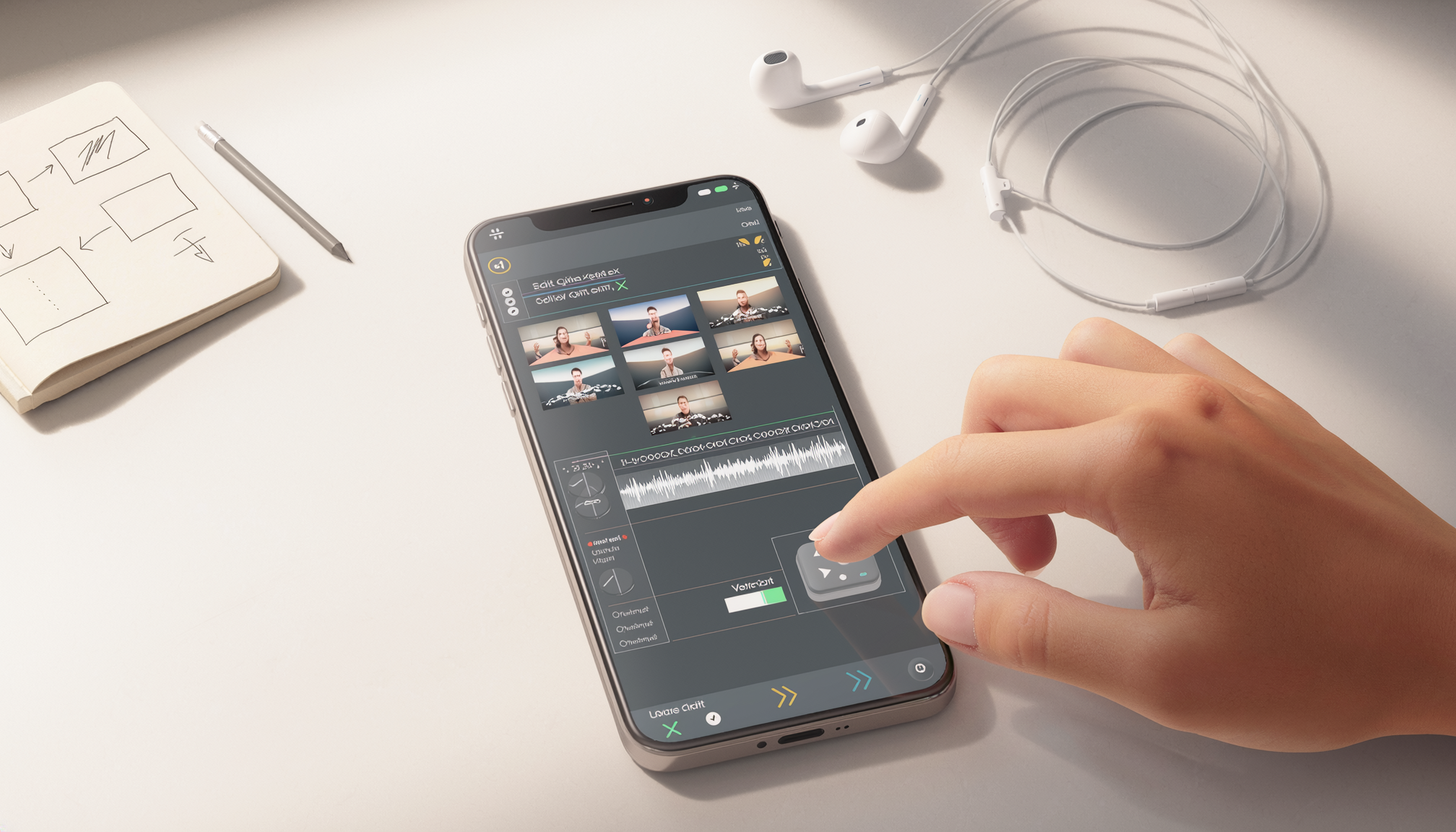
4. Add narration and captions
Record a voiceover in a quiet room, or use a voice tool whose terms permit the intended use. Keep music low enough that the words remain clear. Add captions and check them manually: automatic transcription can miss names, numbers and technical terms.
5. Edit on the phone
Assemble the clips in a mobile editor, trim pauses, keep the pacing consistent and use a readable vertical layout. Add a title card only if it helps viewers understand the subject. Export a short test and watch it with the sound off and on before publishing.

6. Publish with the right disclosures
YouTube requires creators to disclose realistic AI-generated or meaningfully altered content when it makes a real person appear to do or say something they did not, alters footage of a real event or place, or depicts a realistic scene that did not happen. The AI-use setting is available in YouTube Studio on mobile and desktop. Non-realistic animation and routine production assistance such as script ideas or captions do not automatically require the same disclosure. YouTube's disclosure guidance.
Where the money can come from
There are three plausible routes. None guarantees a particular income.
YouTube advertising and fan funding
India is included in YouTube's expanded Partner Programme. At the lower entry level, eligible creators can apply with 500 subscribers, three valid public uploads in the previous 90 days, and either 3,000 valid public watch hours in the previous 12 months or three million valid public Shorts views in 90 days. This unlocks earlier access to certain fan-funding and Shopping features; it is not the threshold for advertising revenue sharing.
For ad revenue sharing, YouTube lists a higher threshold: 1,000 subscribers plus either 4,000 valid public watch hours in 12 months or 10 million valid public Shorts views in 90 days. Shorts-feed watch time does not count toward the 4,000-hour long-form threshold. Meeting a threshold is not automatic approval: the channel is reviewed against YouTube's monetisation policies. YouTube's expanded YPP overview and YPP eligibility details.
AI itself does not automatically disqualify a channel. The risk is mass-produced, repetitive or interchangeable content that adds little original value. YouTube calls this “inauthentic content”; reviewers can assess the channel as a whole. A creator's own reporting, explanation, commentary, research, humour or distinctive storytelling matters more than the number of clips generated. YouTube channel monetisation policies.
Freelance videos for local businesses
For many beginners, selling a small, defined service may be more realistic than waiting for ad revenue. Offer a business a specific deliverable: for example, one 20-second vertical promo, two alternate hooks and captions, using footage and product details supplied or approved by the client.
Build a sample first. Make it clear which parts are AI-generated, obtain permission for logos, people, music and product footage, and agree on revisions, delivery format, usage rights and payment before starting. Do not promise views, leads or sales that cannot be guaranteed.
Brand deals and affiliate links
A creator with a focused audience may eventually earn through sponsored videos or affiliate links. These depend on audience trust, relevance and conversions, not just follower count. Disclose paid relationships clearly. ASCI's influencer-advertising guidance lists labels such as “Ad”, “Sponsored”, “Partnership” and “Affiliate”; Amazon's India Associates terms also require clear and conspicuous disclosures near affiliate links and an Associate identification statement. ASCI Code and Guidelines and Amazon India Associates agreement.
The risks that can erase the value of a “free” workflow
Copyright and permissions: Do not assume that an image, song, voice, character or clip found online is available for reuse. Get permission or use material with a licence that covers the intended platform and commercial purpose. Keep records of client approvals and asset sources.
Commercial-use restrictions: A tool may let you generate an output for free while withholding a commercial licence. Pika's current FAQ explicitly excludes commercial use on its free plan. Runway's free plan adds a watermark and limits model access. Read the terms for the exact plan and model rather than relying on a creator's old tutorial.
Watermarks, credits and queues: A one-time credit grant is not a monthly allowance. A free queue may also mean waiting, lower priority or limited output. Test the export before building a client workflow around it.
Platform monetisation: Uploading many nearly identical AI clips is not a business model. YouTube's inauthentic-content policy specifically covers repetitive or mass-produced material with little original value. Reused clips can create separate monetisation problems even when a creator has permission to use them.
So, can you make money with AI videos for free?
You can start creating videos on a smartphone without paying for a full production setup. You can test free generators, edit short clips, publish original work and build a portfolio. But free tiers are constrained, some do not grant commercial rights, and platform income requires audience growth and policy compliance.
The more credible path is to treat AI as a production assistant: choose a niche, make a small number of useful videos, improve them using viewer or client feedback, and sell a clearly defined service before assuming advertising revenue will arrive. The phone lowers the barrier to making a video. It does not remove the work required to make that video worth watching—or worth paying for.
AI-assisted content
This story was drafted and/or edited with AI assistance and reviewed before publishing.
Explore more topics
Related stories

OpenAI and Cisco Launch Shirudo, an Experimental Runtime Shield for Linux
OpenAI and Cisco have open-sourced Shirudo, a project designed to deploy temporary protections while teams prepare software patches. Its first public demonstration is narrow, and the project’s own documentation says it is not ready for production.

Multi-Tenant Architecture in SaaS: Isolation Models, Security and Scaling
A practical guide to multi-tenant architecture in SaaS: compare silo, bridge and pooled models, design tenant-aware identity and data access, and prevent cross-tenant leaks across databases, APIs, caches, storage and background jobs.